A wine cellar app keeps a running record of the bottles you own, where they're stored, and when each one is worth opening, so you stop losing track of what's actually on the shelf. The good ones let you add bottles by scanning a label or importing a list, then show you drink windows and your own tasting notes at a glance. What almost none of them do is answer the question that actually comes up on a Tuesday night: which of your bottles should you open right now. We'll walk through what these apps really do, which one fits the way you drink, and the real US pricing for each, so you can pick without the guesswork.
What does a wine cellar app actually do?
A wine cellar app turns the loose collection of bottles in your rack, fridge, or closet into a searchable list you can use in seconds. Instead of squinting at labels in a dark corner, you open the app and see every bottle you own, sorted by color, region, price, or how soon you should drink it.
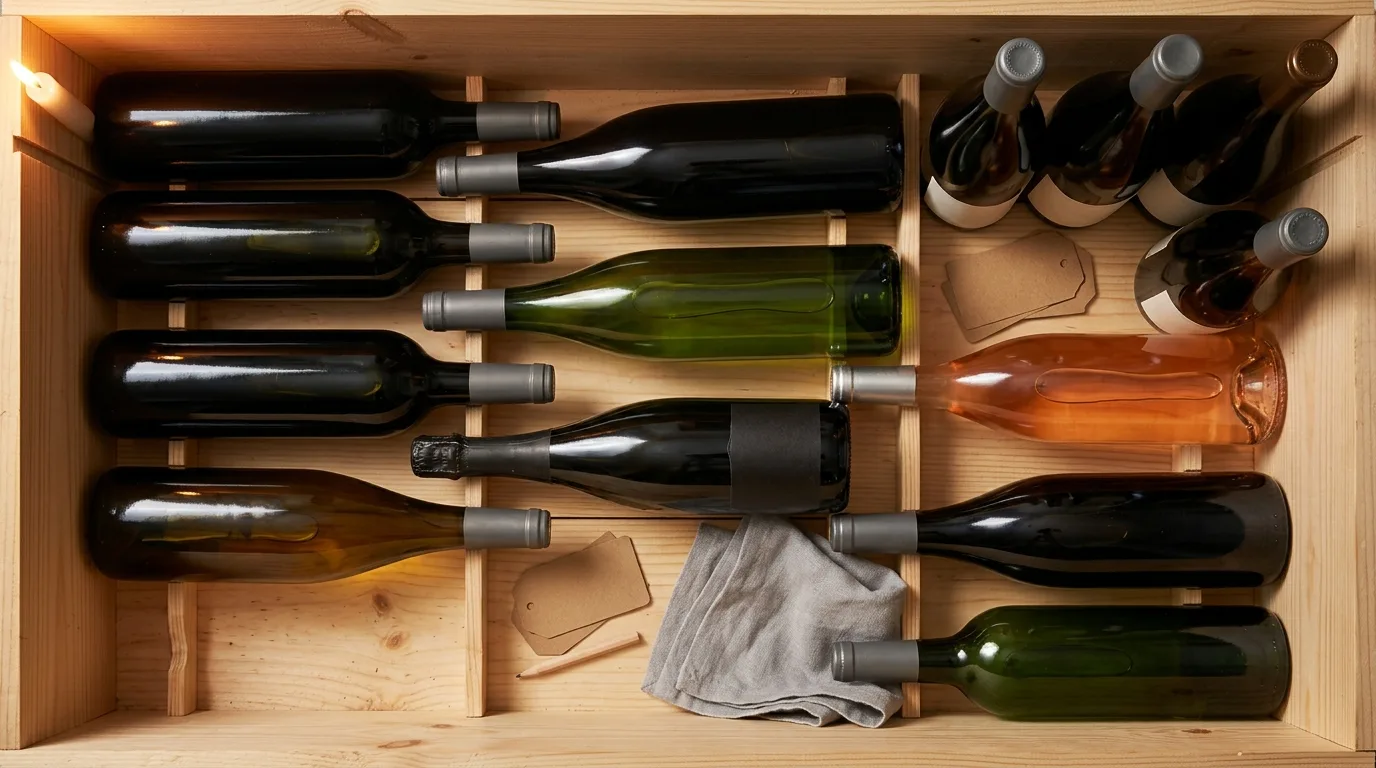
The core job breaks down into a few things that all of these apps share. First, inventory: a live count of what you have and where each bottle sits, which matters the moment you own more than a case. Second, adding bottles quickly, usually by scanning the label with your phone camera so you don't type a word. Third, drink windows, the rough range of years when a wine is at its best, so you're not sitting on a bottle until it fades. Fourth, tasting notes and ratings you write yourself, so next time you remember whether you loved it or left half the glass. Most apps also let you search and filter, build custom lists like "bring to dinner" or "special occasion", and see roughly what your bottles are worth.
That last piece, value tracking, is where a lot of these tools spend their energy, and it's genuinely useful if you're sitting on cases of age-worthy Bordeaux. For most of us, though, the point isn't the spreadsheet. The point is drinking the wine you already bought, at the right time, without a bottle getting lost behind the others for three years. Keep that in mind as we go, because it's the thing that separates a good app for you from a powerful one that's built for somebody else.
Do you need a wine cellar to use a wine cellar app?
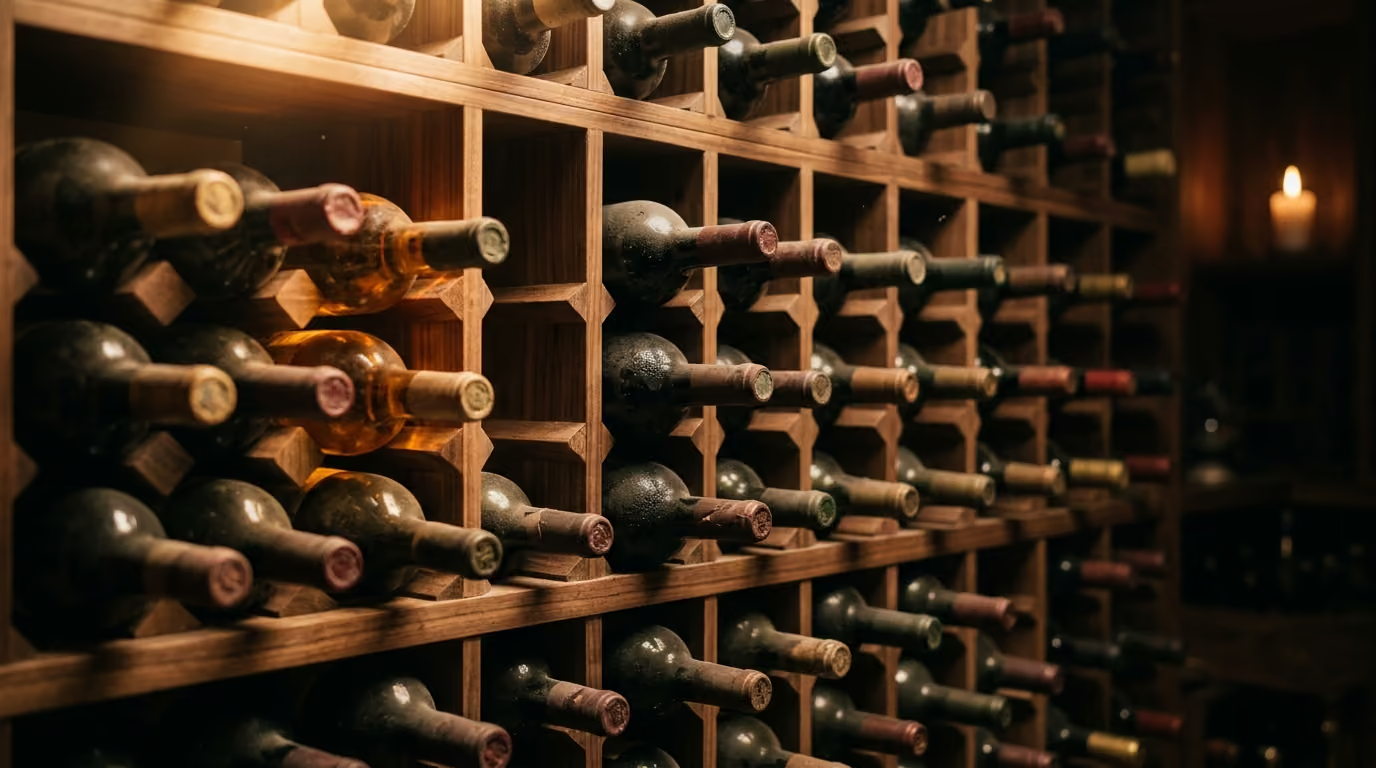
No, and this is the single biggest misread about these apps. You don't need a temperature-controlled room with wooden racks and a heavy door. A wine fridge on the counter counts. A rack in the pantry counts. Eight bottles lying on their sides in a cool closet counts. If you own wine you don't drink the same night you buy it, you have a cellar in the sense that matters, and a wine inventory app will earn its place.
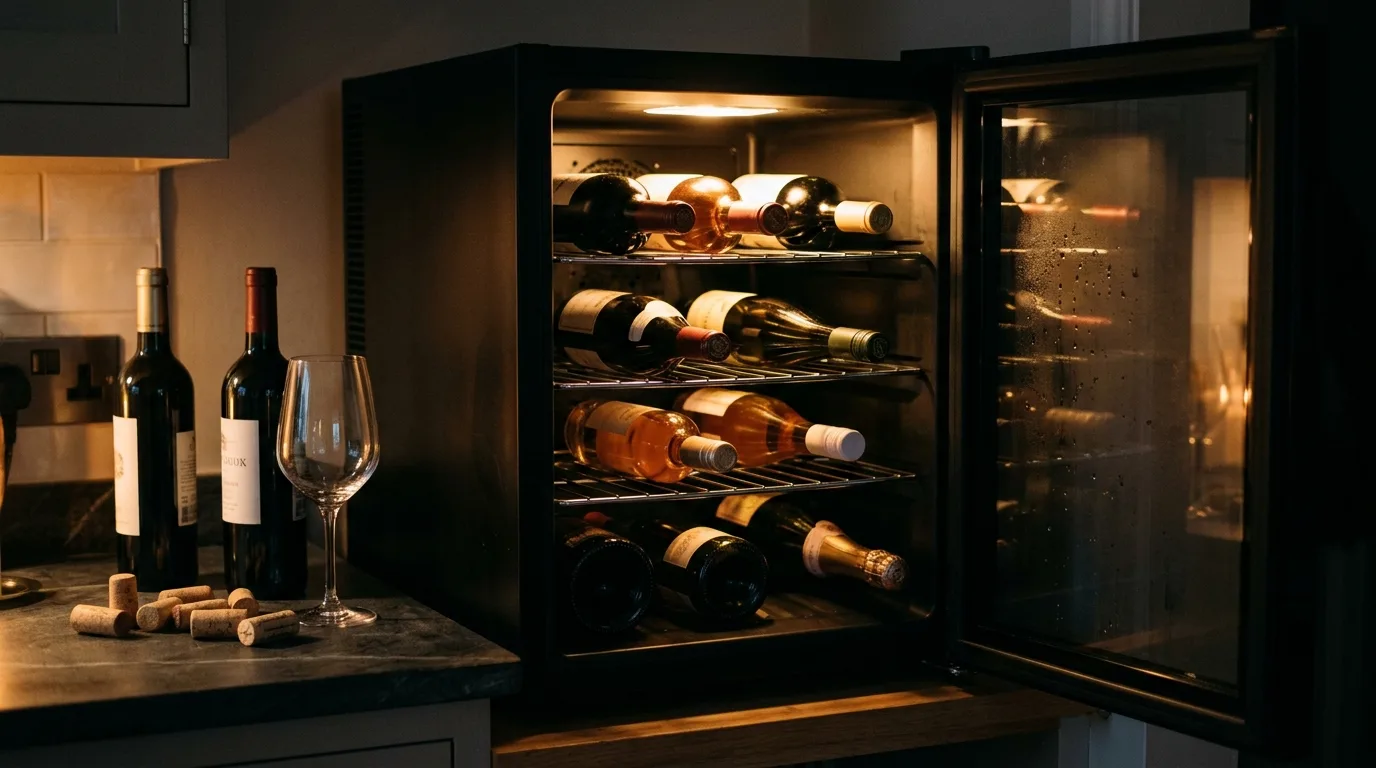
The reason this matters is that most of the well-known tools are built and marketed for serious collectors. They show off three-dimensional cellar layouts, six-figure collection values, and features for tracking hundreds of bottles across multiple rooms. If you have a dozen bottles, that presentation makes you feel like you walked into the wrong shop. You start wondering whether an app is overkill, and you go back to forgetting what's in the closet.
The honest version is simpler than the marketing suggests. The person with fifteen bottles benefits from tracking more than the collector does, not less, because a small stash is exactly where a good bottle hides until it's past its prime. When you know you have that one nice Barolo tucked in the back, you open it for the dinner it deserves instead of finding it two years too late. So if you've been telling yourself you're not fancy enough for a wine cellar app, you're the reader these apps should have been built for all along. The trick is finding one that talks to you and not just to the person with a walk-in cellar.
How do you get your bottles into the app?
You get bottles in three ways, and the fastest apps let you mix all three. The quickest is scanning the label with your phone camera, which reads the producer, grape, region, and vintage and fills in the details for you. The second is importing a list you already keep, usually a spreadsheet or an export from another app, so you're not starting from zero. The third is searching a built-in wine database and tapping to add, which is handy when a bottle is boxed up or you're logging something you drank at a friend's place.

Setting up your inventory for the first time takes less effort than people expect. Pull your bottles out where you can see them, then scan the labels one after another, correcting a vintage here and there when the camera guesses wrong. A fridge of thirty bottles takes maybe ten minutes the first time, and after that you scan each new bottle the day it arrives, which takes seconds. Assign a storage location as you go, even something as simple as "kitchen fridge" or "closet rack", so the app can later tell you where a specific bottle lives.
One habit makes the whole thing worth it: log the bottle when it leaves, not just when it arrives. When you open something, mark it as poured or removed so your count stays honest and your history keeps building. That running record of what you've actually finished, and what you thought of it, is the raw material every good recommendation is built from later. If you'd rather keep a fuller record of impressions and scores over time, a dedicated approach like a digital wine journal pairs nicely with a cellar app, since one tracks what you own and the other tracks what you've learned about your own taste.
What should a wine cellar app tell you beyond a list?
Beyond the list, a wine cellar app should help you make a decision, not just store data. A tidy inventory is a means to an end, and the end is opening the right bottle at the right moment. The apps that stop at "here's everything you own, sorted nicely" leave you exactly where you started, standing in front of the rack with no more clarity than before.

Drink windows are the first real piece of guidance, and they're more useful than a value estimate for most people. A drink window tells you the wine is ready now, needs another two years, or should be opened this month before it slips. A good app surfaces the bottles that are entering or leaving their window, so a well-made Rioja doesn't quietly turn the corner while you save it for a day that never comes. If you want to go deeper on when a specific bottle shows best, our guide to wine serving temperatures covers the other half of timing, which is how to serve the bottle once you've picked it.
The bigger gap, and the one almost every app leaves wide open, is matching a bottle to the moment. You're cooking a mushroom risotto on a weeknight and you have eleven bottles, so which one do you open? The typical cellar app shrugs and hands you the same list you started with. A taste-aware app should read what you own, what you're eating, and what you actually like, then point at one bottle and explain why. That's a different kind of tool, and it's where the value quietly shifts from storing wine to enjoying it. It leans on knowing your palate, which is why understanding how AI taste profiles work helps you judge whether an app's recommendations will ever feel like yours or just generic crowd scores.
Wine cellar app comparison: CellarTracker, InVintory, Vivino, and Sommy
The four apps most people compare are CellarTracker, InVintory, Vivino, and Sommy, and they each solve a different version of the problem. CellarTracker is the long-running community database, InVintory is the premium collector's tool, Vivino is the mass-market scanner with a store attached, and Sommy is the taste-first app that treats your cellar as bottles to drink well rather than a portfolio to value. Here's how each one really compares once you look past the marketing.
CellarTracker has genuinely earned its reputation as the deep end of the category. It holds a massive library of community tasting notes, and its scoring by many hands is helpful when you want a read on a bottle before you buy. It's free to start, then charges by collection size through in-app tiers that begin around $4.99 for up to a hundred bottles and climb to roughly $44.99 for a large cellar. The trade-off is that it looks and feels like the database it is, and those community scores tell you what the crowd thought, not what you'll think. InVintory sits at the opposite end, polished and built for collectors who want their racks rendered in three dimensions and their bottles tracked at market value. It offers a free tier, with a paid plan around $149.99 a year, or $14.95 a month, and a higher Elite service above that. If you own real cases and care about what they're worth, it's lovely. If you own a wine fridge, you're paying for a cathedral to store a case of soda.
Vivino is the one most people already have, and it's excellent at scanning a label in a shop and showing an average rating. It's free with an optional paid Premium subscription, but as a cellar app it stays shallow, because its real business is selling you the next bottle rather than helping you drink the ones you own. This is also the honest place to say when Sommy isn't your pick. If your main goal is auction-grade valuation of an age-worthy collection, a collector tool like InVintory or CellarTracker will serve you better than we will. Sommy hasn't launched yet, so you join the waitlist at sommy.ai to hear the day it goes live, and it's built for the far larger group of people who own some wine, want to drink it well, and keep wondering what to open tonight.
How does Sommy work as a wine cellar app?
Sommy works as a wine cellar app by tying three things together that the others keep separate: what you own, what you like, and what you're doing tonight. Your Cellar holds the bottles you've saved or stored, Active Pour keeps the bottle you have open on screen while you drink it, tagged to where you are, and your Taste Profile, the living picture of your palate, learns from every rating you give. The inventory is the starting point, not the finish line.
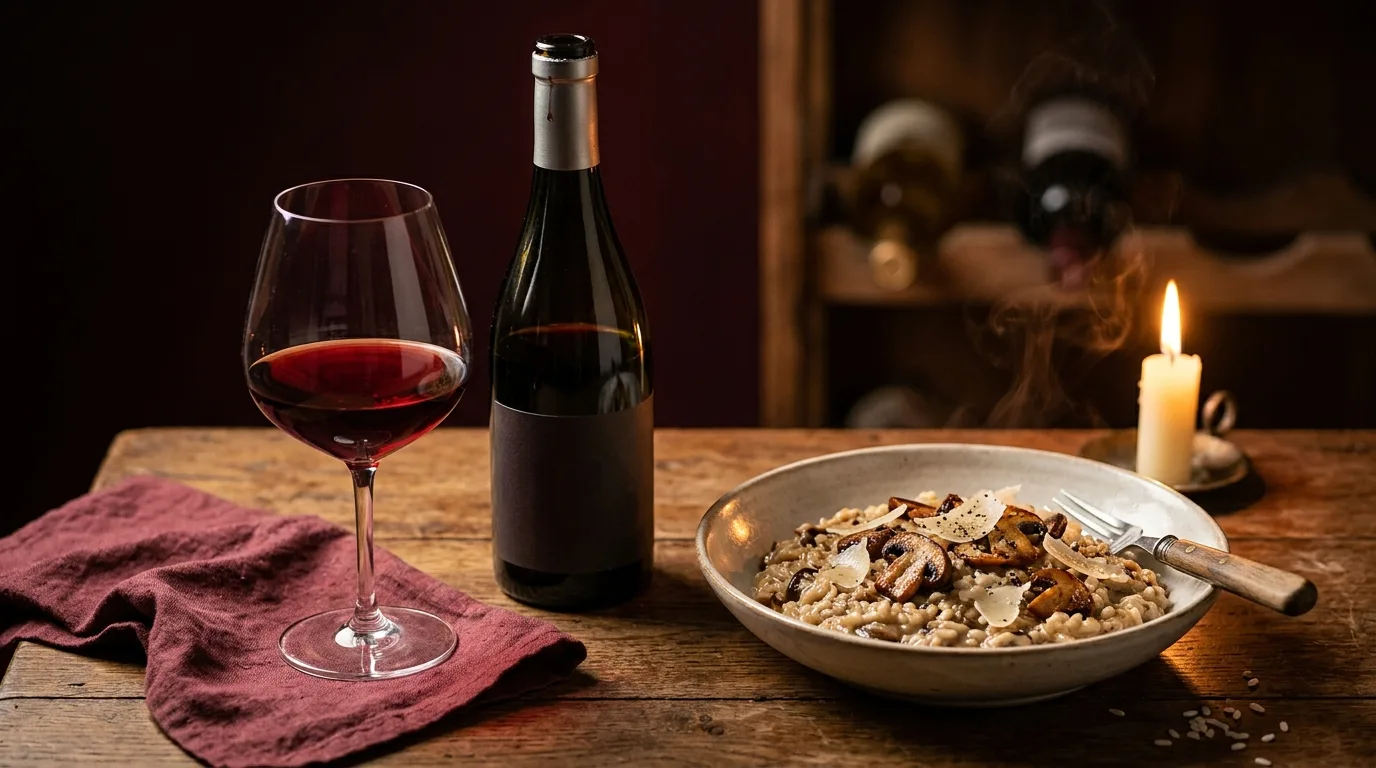
Say it's a weeknight and you're deciding what to open. You tell Sommy what you're eating, or scan the recipe, and it looks at the bottles in your Cellar, weighs them against your Taste Profile, and recommends the one bottle that fits both your dinner and your palate, with a plain reason why. That's the Pairing feature doing the work a plain list can't. If you're just curious whether a bottle you already own is your style, Fit Check gives you a clear read against your taste, no numeric score to argue with, just whether it fits you.
The wine memory is the part that compounds. Every bottle you cellar, open, and rate makes the next recommendation sharper, because Sommy remembers what you opened and what you made of it. That memory also covers the practical side of a small cellar, like knowing what you've got open right now so you drink it before it fades. If you want the mechanics of keeping an opened bottle drinkable in the meantime, our guide on how to store open wine covers it. One honest note on where we differ from a classic tracker: if your goal is a detailed log of scores and structure notes for hundreds of bottles, the best wine tracking app for that job is a database-first tool, and it's worth pairing one with a taste-first app like ours rather than expecting a single tool to be both.
Frequently asked questions about wine cellar apps
What is the best wine cellar app?
The best wine cellar app depends on what you own and why you're tracking it. For deep community notes and classic cellar tracking, CellarTracker is hard to beat. For a large, valuable collection you want rendered and valued, InVintory leads. For knowing which of your own bottles to open tonight based on your taste and your dinner, Sommy is built for exactly that, which is the job the collector tools tend to skip.
Is there a free wine cellar app?
Yes, there are several free options worth trying. CellarTracker is free to start and charges only once your collection grows past a bottle count, InVintory offers a free tier, and Vivino is free with an optional paid Premium subscription. Sommy hasn't launched yet; join the waitlist at sommy.ai and you'll get an email the day it goes live, with a free plan to start. A free tier is usually plenty for a fridge or a rack of a few dozen bottles.
Do I need a physical wine cellar to use a wine inventory app?
No, you don't need one at all. A wine inventory app works just as well for a countertop wine fridge, a pantry rack, or a shelf of a dozen bottles. In fact, a smaller stash benefits more from tracking, because a single good bottle is easy to forget until it's past its best. You don't need a room, a door, or a climate system to get the value.
Can a wine cellar app tell me when to drink a bottle?
Yes, it can, mainly through drink windows. Most cellar apps estimate the range of years a wine shows best and flag the bottles entering or leaving that range, so you open them at the right time. A taste-aware app goes a step further and factors in what you actually like, so the reminder points at bottles you'll be glad you opened rather than ones that merely turned ready.
Is a wine cellar app better than a spreadsheet?
For most people, an app wins comfortably. A spreadsheet can hold the same data, but it can't scan a label, estimate a drink window, or recommend a bottle for tonight's meal. An app removes the typing and adds the guidance, which is the whole reason to track your wine in the first place rather than just listing it.
Turn a shelf of bottles into better nights
A wine cellar app is worth it the moment it stops a good bottle from getting lost and starts helping you drink the wine you already bought at the right time. If you own real cases and care about market value, a collector tool will serve that goal well. If you own some wine, a fridge or a rack or a closet's worth, and you keep wondering what to open tonight, the tracking is only half the answer. The other half is an app that knows your taste and your dinner and can point at one bottle with a reason. That's the version of a wine cellar app we set out to build with Sommy, and it starts with the bottles you already have. Scan them, learn your palate once, and let the app carry the memory so every future pour lands a little closer to what you love.