
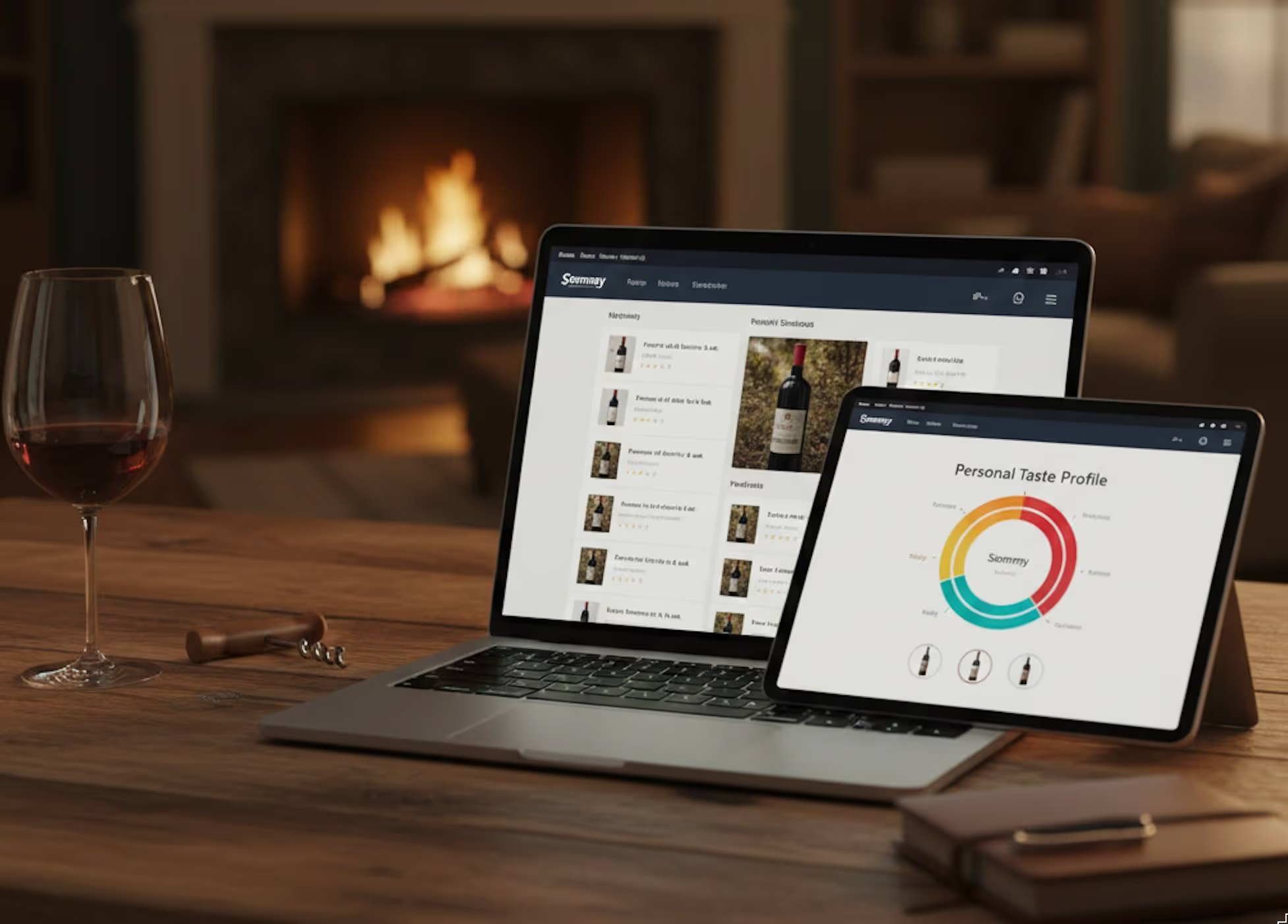
Ever had a glass you loved, then totally forgot what it was a month later? A label you snapped a photo of, buried somewhere in your camera roll? A digital wine journal solves that problem and turns every bottle into data you can actually use.
With Sommy, your wine journal is more than a diary. It powers an AI wine assistant that studies your taste and turns your sips into smart wine picks, clear wine recommendations, and calm confidence when you order.
This beginner wine guide walks you through how to set up your journal, what to record, and how to let Sommy do the hard work while you enjoy the drinking part.
Why Build a Digital Wine Journal Instead of “Wing It”?
Most wine drinkers repeat the same loop: buy a random bottle, hope for the best, forget the details. A digital wine journal breaks that loop.
Wine educators often say that journaling is the fastest way to build real wine memory. Guides like this beginner’s wine journal article call it a “diary for your taste buds” for a reason. Once your notes are saved, patterns jump out:
- You keep loving bright, citrusy whites.
- Heavy, oaky reds leave you tired.
- That $18 bottle from Spain hits way above its price.
On Sommy, those patterns do not just sit in a notebook. Your AI wine assistant reads them and turns them into smart wine recommendations every time you open the app.
So instead of memorizing wine theory, you let your own history teach the app how to choose wine for you.
Step 1: Set Up Your Sommy Profile
Your journal starts with your taste profile. When you sign up, Sommy feels like a wine app for beginners, not a test.
You answer quick questions about:
- What you usually drink (coffee, beer, cocktails).
- How you feel about sweetness, acidity, and tannins.
- A few wines you remember enjoying.
This is the same idea behind Sommy’s beginner’s guide to building a wine profile. You give simple hints, Sommy turns that into a modern wine guide that lives in your pocket.
From there, your profile powers:
- Personalized wine recommendations that match your comfort zone.
- Early wine app suggestions when you open a restaurant list or stand in a store aisle.
- A base line for future journal entries, so the AI can see what changes over time.
Think of it like Spotify for bottles. The more the app learns, the better your personalized wine picks become.
Step 2: Log Your First Bottle (Wine Tasting Notes Explained Simply)
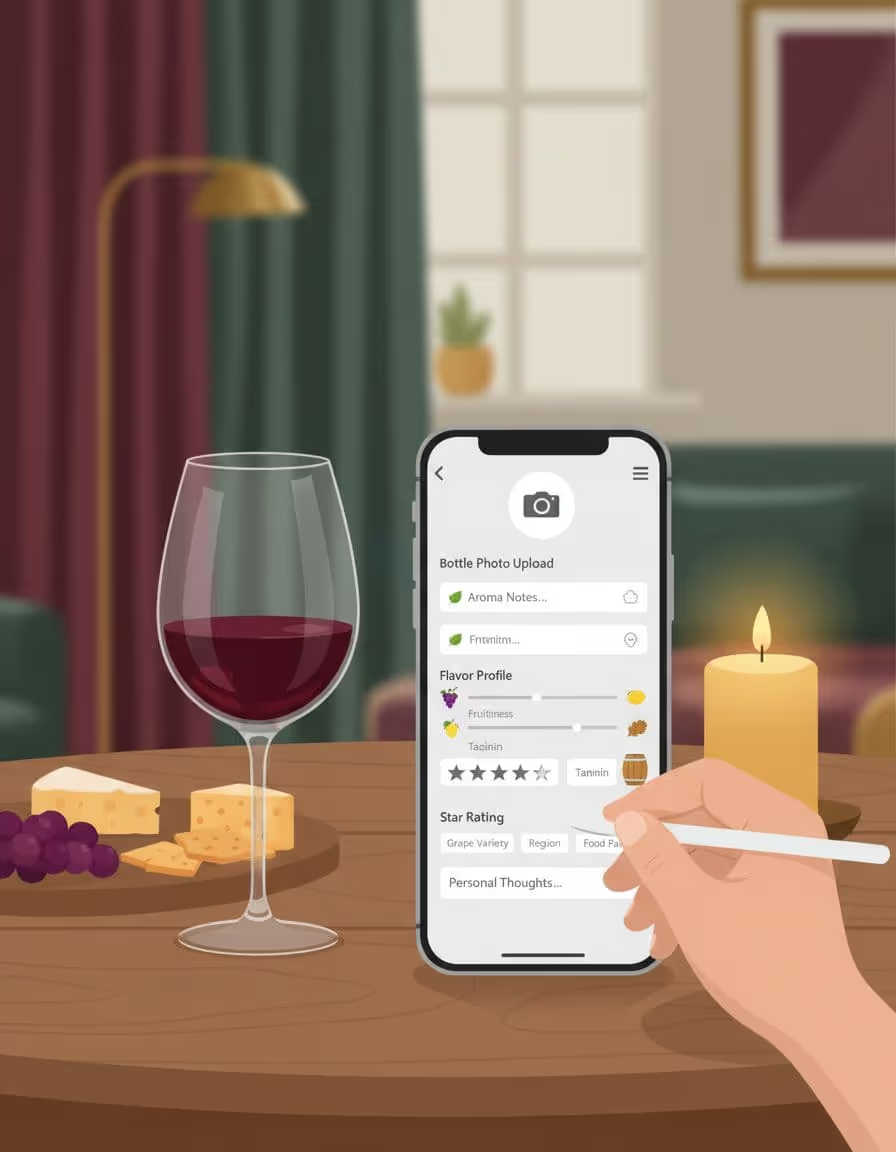
You do not need poetic language to keep solid notes. In fact, your digital wine journal works best when your thoughts are short and clear.
A basic Sommy entry can include:
- A quick photo of the label.
- Where you drank it.
- Rough price.
- A few sliders: sweetness, body, acidity, tannin.
- A one-line verdict like “Smooth, juicy, buy again.”
If you want to go deeper, Sommy mirrors the structure in its free wine tasting notes template, which matches how pros think but keeps wine explained simply.
Here is a simple mental checklist, a kind of wine tasting notes explained in plain language:
- Look: light or dark, pale or inky.
- Smell: more fruity, earthy, spicy, or floral.
- Taste: sweet or dry, light or full, soft or sharp.
- Finish: flavor disappears fast or hangs around.
If you ever want extra inspiration, guides like this how-to on wine tasting notes or this complete tasting-notes walkthrough show how simple words can still be useful.
Sommy lets you capture the same ideas in a few taps, so every bottle you log upgrades your future wine recommendations.
Step 3: Turn Journal Entries Into Smart Wine Picks
Logging is nice, but insights are better. This is where a digital wine journal on Sommy feels powerful.
As you add bottles, the app starts to:
- Spot grapes and regions you rate highly.
- Notice if you dislike heavy tannins or strong oak.
- Connect your ratings to food pairings that worked.
From there, Sommy gives smart wine recommendations rather than generic “people also liked” lists. You get:
- Smart wine picks that fit both your profile and your budget.
- Clear wine recommendations for nights when you just want “a chill bottle with pizza”.
- A built-in wine pairing guide that considers what you actually enjoy, not just textbook rules.
Behind the scenes, Sommy works like a label scanner too. Its best wine scanner app overview explains how a quick photo pulls in producer info so you do not have to type it all by hand.
Your job stays easy: drink, log, react. The AI turns that into everyday wine advice that gets sharper week after week.
Step 4: Use Your Digital Wine Journal In Real Life
Once your journal has a few entries, it becomes a quiet superpower in the moments that usually feel stressful.
At restaurants: wine list tips without the performance

Photo by Anna Shvets
When the wine list lands and everyone looks at you, open Sommy. Your journal gives you instant, beginner-friendly wine advice:
- Pull up past bottles you loved and show the server.
- Filter by price, style, and food for fast restaurant wine tips.
- Let the app turn a huge list into a handful of calm, focused options.
Instead of faking it, you can say, “I usually like smooth, medium-bodied reds like these” and let the AI wine assistant back you up.
In stores: smarter grocery store wine picks
Grocery aisles can feel like a wall of marketing. Your digital wine journal turns that wall into a familiar map.
Use Sommy for:
- Quick checks on grapes or regions you have liked before.
- Fast grocery store wine picks that match your past wins.
- Label scans that surface wine app suggestions tied to your real taste.
No more buying only by label art. Your history guides you, bottle by bottle.
At home: a pocket wine pairing guide
Cooking at home is where your journal really shines as a modern wine guide.
You can:
- Search for similar wines to bottles you enjoyed with roast chicken, pasta, or takeout.
- Ask the app for a simple wine pairing guide suggestion like “something crisp for spicy Thai”.
- Use your past notes plus Sommy’s brain instead of memorizing charts.
If you want to study tasting technique on the side, a resource like this wine tasting guide for beginners pairs well with what the app is already learning from you.
Step 5: Keep It Simple So You Actually Use It
The best digital wine journal is the one you keep using. A few habits help.
Log fast, not perfect.
Aim for 20 seconds per bottle. Photo, sliders, quick verdict. Done.
Reuse your own phrases.
Sommy is built for simple wine explanations. “Too bitter,” “smooth and juicy,” and “great with burgers” are more useful to the AI than fancy tasting terms.
Focus on situations, not scores.
Tag bottles as “great for weeknight,” “impress guests,” or “summer patio.” This keeps your everyday wine advice grounded in real life.
Check your trends once a month.
Glance at your favorites list and top grapes. You will start to feel wine explained simply in your own language, not a textbook.
Over time, your journal becomes your personal, always-updated wine guide that actually reflects how you drink, shop, and host.
Bringing It All Together
A digital wine journal on Sommy turns random glasses into a clear story about your taste. You log what you drink, in your own words, and the AI wine assistant turns that history into personalized wine recommendations, smarter restaurant wine tips, and calm confidence in the aisle.
Start small: one bottle, one quick note, one feeling. Let the app do the heavy lifting. Before long, your smart wine picks, wine list tips, and pairing ideas will feel natural, and friends will start asking for your beginner-friendly wine advice.
Every swipe, sip, and note becomes part of a simple system that keeps you drinking better wine, more often, with less guesswork.

EntreprEngineur. Runs on lattes. Creates with the intensity of a downhill run. Fast, slightly chaotic, ideally followed by a glass of wine.