
The best wine scanner app depends on what you want back from the photo. Vivino is where most people start, because it reads a label and shows a crowd rating, tasting notes and food pairings from a catalog it puts at 16 million wines. Wine-Searcher is the better pick when the question is price, CellarTracker is the one that also reads barcodes and logs a collection, and Sommy, which hasn't launched yet, reads the label and tells you whether the wine fits your own taste rather than everyone else's.
We checked every claim below against each app's own store listing and help pages on October 18, 2026, including which ones read barcodes, which charge for wine-list scanning, and which haven't been updated in years.
What does a wine scanner app actually tell you?
A wine scanner app takes a photo of the front label, works out which wine it is, and shows you that wine's producer, grape, region and vintage, plus whatever the app layers on top. Depending on the app, that extra layer is a crowd rating, a list of shop prices, tasting notes, food pairings or a personal match score.
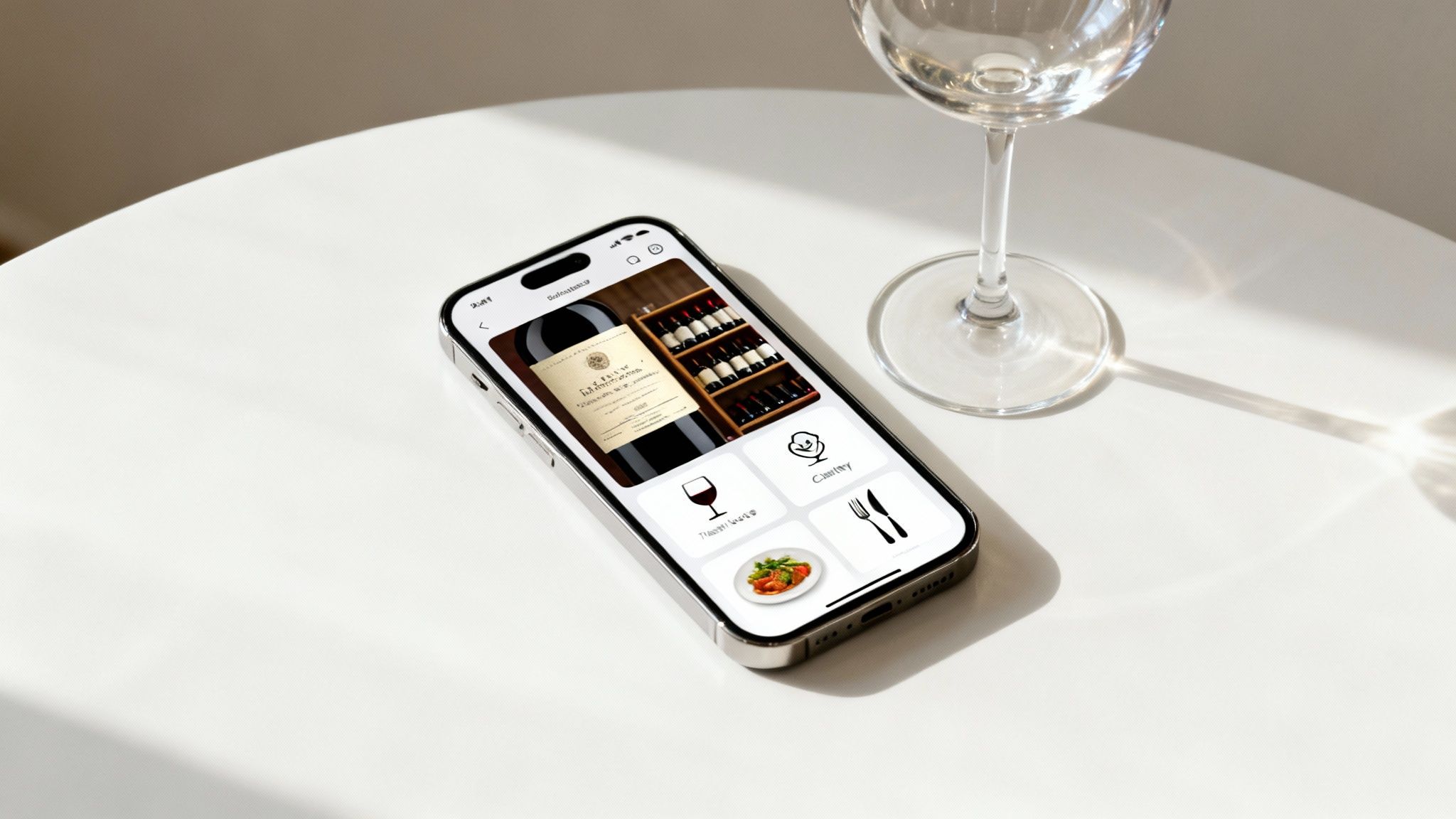
The identification step works the same way everywhere, but the payoff doesn't. Vivino's own explainer on its label scanner says a scan returns a community rating from 1.0 to 5.0, a flavor profile built from user reviews, food pairings, winery and region details, and a "Match for You" score that's only a general indication unless you pay for Premium. Wine-Searcher's scan leads with prices and where to buy. Sommy returns tasting notes, food pairings and a palate match against your own ratings, and it doesn't show a crowd score at all.
So decide which of those answers you want in the aisle before you download anything, because what strangers thought, what it costs and whether you'll like it are three different apps.
Which wine scanner app should you download?
Download Vivino if you want a fast crowd opinion, Wine-Searcher if you want prices, and CellarTracker if you own enough bottles to need an inventory. Delectable still suits people who follow wine professionals, but its iPhone app hasn't been updated since 2021.
Vivino is the default for a reason. Its App Store listing describes 16 million wines, 245,000 wineries and more than 70 million users, and the app is free to download with a paid Premium subscription on top. You can scan a label, see a rating and buy the bottle in its shop. The catch is that the rating is an average of other people's opinions, and Vivino's own scanner guide says scanning a full restaurant wine list is a Premium feature.
Wine-Searcher is the one to open when price is the question. Its App Store listing says a scan pulls from 8 million wine offers across 55,000 merchants, and the app shows prices, critic scores, vintages and stores near you. It scans labels and QR codes. The basic app is free, and Wine-Searcher PRO shows you all the search results instead of a partial set, plus 10 years of price trends and more critic scores, with a 7-day free trial inside the app.
CellarTracker is built for people with a collection. Its listing describes more than 5 million unique wines and over 13 million tasting notes and reviews, and it's the only app here that says it adds wines by barcode as well as by label scan. It also pulls in Wine-Searcher prices, and it's free to download with in-app purchases.
Delectable made its name by letting you follow sommeliers and other wine professionals. Its iPhone listing says the core scan, rate and track features are free, and its Premium tier adds integrated Vinous reviews and priority identification for hard-to-match labels. That same listing shows the latest version, 5.9.5, dated September 14, 2021, so check that it still logs in and scans on your phone before you rely on it.
Sommy is our app, so weigh this paragraph accordingly. Its Label Scan reads the front label with a vision model and returns the producer, grape, region and vintage, along with tasting notes, food pairings and a palate match against your Taste Profile, which is built from the wines you rate. The same scanner has modes for a whole wine list, a store shelf, a meal and a recipe, and Fit Check gives a verdict on one specific bottle whether you scan it, type it or say it. Sommy doesn't show crowd ratings, doesn't read barcodes and doesn't compare shop prices. It also hasn't launched yet, so for now the only way in is the waitlist.
| App | Best moment | Barcodes | Full wine list scan | Price data | Cost |
|---|---|---|---|---|---|
| Vivino | A quick crowd opinion | No, labels only | Premium only | Its own shop, 500+ merchants | Free, paid Premium |
| Wine-Searcher | Checking what a bottle should cost | Labels and QR codes | Not listed | Offers from 55,000 merchants | Free, paid PRO |
| CellarTracker | Logging a collection | Yes | Not listed | Wine-Searcher prices | Free, in-app purchases |
| Delectable | Following wine pros | Not listed | Not listed | Not listed | Free, paid Premium |
| Sommy | Whether a wine fits your taste | No | Yes, scored against your palate | The price printed on the shelf tag or list | Explore free, Cellar $7.99 a month, not launched yet |
"Not listed" means the feature isn't in that app's own store listing or help pages, so it may exist, but we couldn't confirm it. For a wider look across the category, including apps that don't scan at all, our roundup of the best wine apps sorted by what you need groups them the same way, and there are separate picks for the best wine app for iPhone and for any wine app for Android phones.
Is there a free wine scanner app?
Yes, every app on this list is free to download and will scan a label without a subscription. Vivino, Wine-Searcher, CellarTracker and Delectable all show in-app purchases on the App Store, and what you'd pay for differs from one to the next: Vivino's Premium adds full wine-list scanning and an exact match percentage, Wine-Searcher PRO adds the full set of prices, and Delectable Premium adds Vinous reviews.
The honest way to pick a free one is to scan a bottle you already know and see whether the result matches the label and answers your question. Sommy's pricing is public even though the app isn't out yet, and our Sommy FAQ lists the Explore plan as free and the Cellar plan at $7.99 a month or $59.99 a year.
Can a wine scanner app scan a barcode?
Some can, but most of them would rather see the label. Vivino's scanner guide says it outright, "No barcodes, no typing", and asks you to point the camera at the label instead. Wine-Searcher scans labels and QR codes, and CellarTracker is the one app here that lists a barcode tool alongside its label scanner, mostly for logging bottles into a cellar. Sommy reads the front label from a photo and has no barcode mode.
That matters if you landed here looking for a way to scan a wine barcode. A barcode is there for a store's checkout, while the front label carries the producer, the wine's name, the region and the vintage, which is what these apps match against. If a barcode is all you've got, CellarTracker is the app to try, and if that misses, typing the producer and wine name into any of them will usually get you there.
Which app tells you what a bottle of wine costs?
Wine-Searcher is the app to use for cost, because price comparison is the whole point of it: scan or type a wine and it lists what merchants are asking, near you and online. Vivino shows prices too, mostly from the merchants that sell through its own shop, and CellarTracker pulls in Wine-Searcher's figures.
Those listings are shops' asking prices, so if you're wondering what a bottle you already own is worth, read them as the cost of replacing it, which isn't the same as what someone would pay you for it.
Sommy comes at price from the other end. Its shelf scan reads the price tag under each bottle as you sweep the camera along a shelf, marks a figure it couldn't read cleanly as approximate, and sorts the bottles by how well they match your palate. Its wine-list scan keeps the price printed next to each wine. Neither one tells you what the same bottle costs somewhere else.
Can you scan a restaurant wine list with an app?
Yes, Vivino and Sommy both scan a full wine list in one photo, though Vivino's scanner guide lists it as a Premium feature. Vivino shows ratings for every bottle on the menu. Sommy pulls out each wine it can read, keeps its listed price and the section it sits in, and scores it against your Taste Profile, and if you haven't rated enough wines yet it shows the list without scores rather than guessing.
A page of unfamiliar producers is much harder to judge than one bottle in your hand, so if you'd rather go in prepared, our tips on how to decode a restaurant wine list walk through setting a budget ceiling and narrowing to one section before you read a single name, and they work with or without an app.
CNET's Tech Minute on wine apps at the dinner table dates from February 2015, so the apps in it have changed, but the quick check before you order is the same habit.
How do you get an accurate scan on the first try?
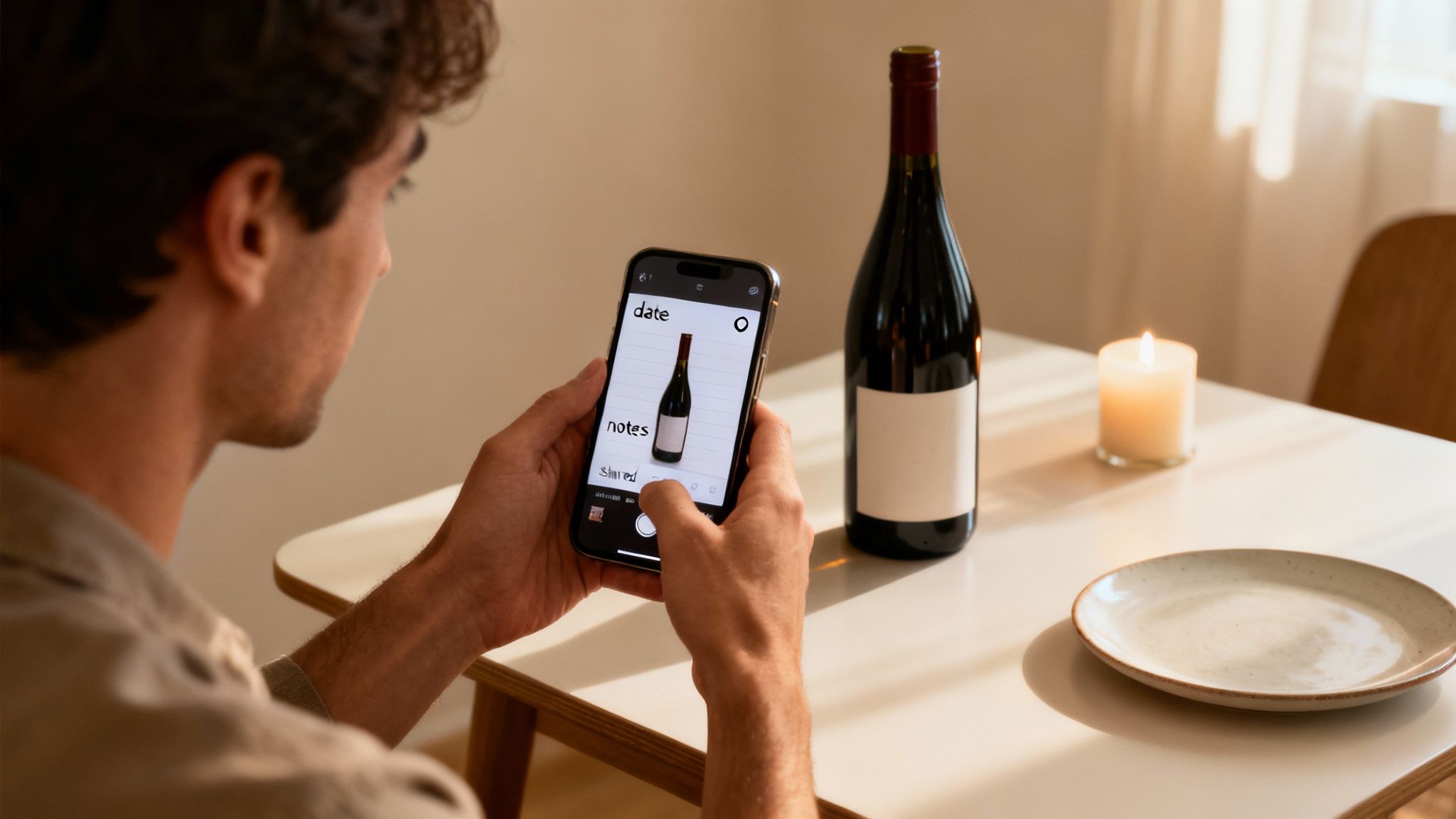
Fill the frame with the front label, get it into decent light, and hold still for a second. Vivino's own advice is that lighting matters more than a steady hand and that the label should take up most of the screen, and Sommy's scanner gives the same instruction on screen: "Point at the front label and fill the frame."
A few habits cover most of the scans that fail:
- Angle the bottle toward the nearest light, since candlelight is the usual culprit.
- Scan whatever is left of a torn label, because producer and vintage often suffice.
- Check the vintage on the result, since each vintage can have its own entry.
- Type the producer and wine name when a scan keeps missing.
When Sommy isn't confident about a read, it labels the result a partial match and offers to scan the back label, try again or let you fill in the gaps by hand, instead of presenting a guess as an answer. Vivino lets you submit an unrecognized label for its team to identify by hand. And if no app can make sense of the bottle at all, our walkthrough on how to read wine labels covers the five key elements on the front and what to look for on the back, which is everything you need to type a search yourself.
Where do wine scanner apps fall short?
The biggest gap is that a crowd rating isn't your own rating. A wine with a high average on Vivino can still be wrong for you if it's a big, oaky style and you like crisp, light whites, because that average blends thousands of palates that aren't yours. Vivino clearly knows this, which is why it added a personal match score, but in the free app that score is only a general indication.
Coverage is the second gap, and Vivino's own scanner guide names small-production wines, very new releases and heavily worn labels as the scans most likely to miss, and private-label store wines tend to fall into the same hole. Plan on needing a signal, too, because Sommy sends the photo to a cloud vision model and we couldn't find any of the other apps promising offline label recognition.
The third gap is age, since plenty of apps stay in the App Store long after their makers stop working on them. Hello Vino, which this page recommended until this update, hasn't had an iPhone release since September 2017, and Delectable's last one was in 2021. An app that's stopped getting updates can break on a new phone without warning, so check the version history on the store page before you build a habit around it.
Why does a scanner that learns your taste matter?
It matters because the question you're really asking in the aisle is whether you'll like the bottle, and only an app that keeps your ratings can compare a new label against what you've already enjoyed. That's the idea Sommy is built around. Every wine you rate feeds your Taste Profile, a scanned label comes back with a palate match, and the shelf mode sorts what's in front of you by fit instead of popularity. It won't promise that a wine will taste a certain way to you, since nobody honestly can, but it can tell you how close a bottle sits to the wines you've rated well. If you already keep ratings in Vivino, Vivino Import brings them across so you don't start from zero, and our piece on the AI sommelier app explains how this kind of recommendation works.
Frequently Asked Questions
Is Vivino a free app?
Yes, Vivino is free to download and scan with, and its App Store listing shows a paid Premium subscription on top. According to Vivino's own scanner guide, Premium is what adds full restaurant wine-list scanning and an exact Match for You percentage on every wine.
What is the best free wine scanner app?
Vivino is the best free wine scanner app for a crowd rating, Wine-Searcher for price checks and CellarTracker if you want barcodes too. Sommy's Explore plan will be free too, though the app hasn't launched yet.
What app can I use to find out the cost of wine?
Wine-Searcher is the app built for that job, listing what merchants near you and online are asking for the wine you scan or type. Vivino also shows prices, mostly from its own shop.
How accurate are wine scanner apps?
None of these apps publishes an independently tested accuracy figure that we could find, so treat words like "instant" as the maker's own description. The quickest test is to scan a bottle you know well and check that the producer, wine and vintage on screen match the label in your hand.
Do wine scanner apps work offline?
You should plan on needing a connection to scan a label. Sommy sends the photo to a cloud vision model, and we couldn't find any of the other apps here promising offline recognition. If the signal drops in a restaurant basement, snap a photo of the label and scan it once you're back online.
Is my data safe with a wine scanner app?
Check the App Privacy section on the app's store page before you download, where the developer lists the data it collects and links to its privacy policy. Apple notes that those declarations come from the developer and haven't been verified by Apple, so read the policy itself if it matters to you.
A scanner tells you what a bottle is, and the good ones tell you what it costs or what other people thought of it. Whether you'll actually enjoy it is the question Sommy is being built to answer from your own ratings, so join the Sommy waitlist and we'll let you know the day it launches.