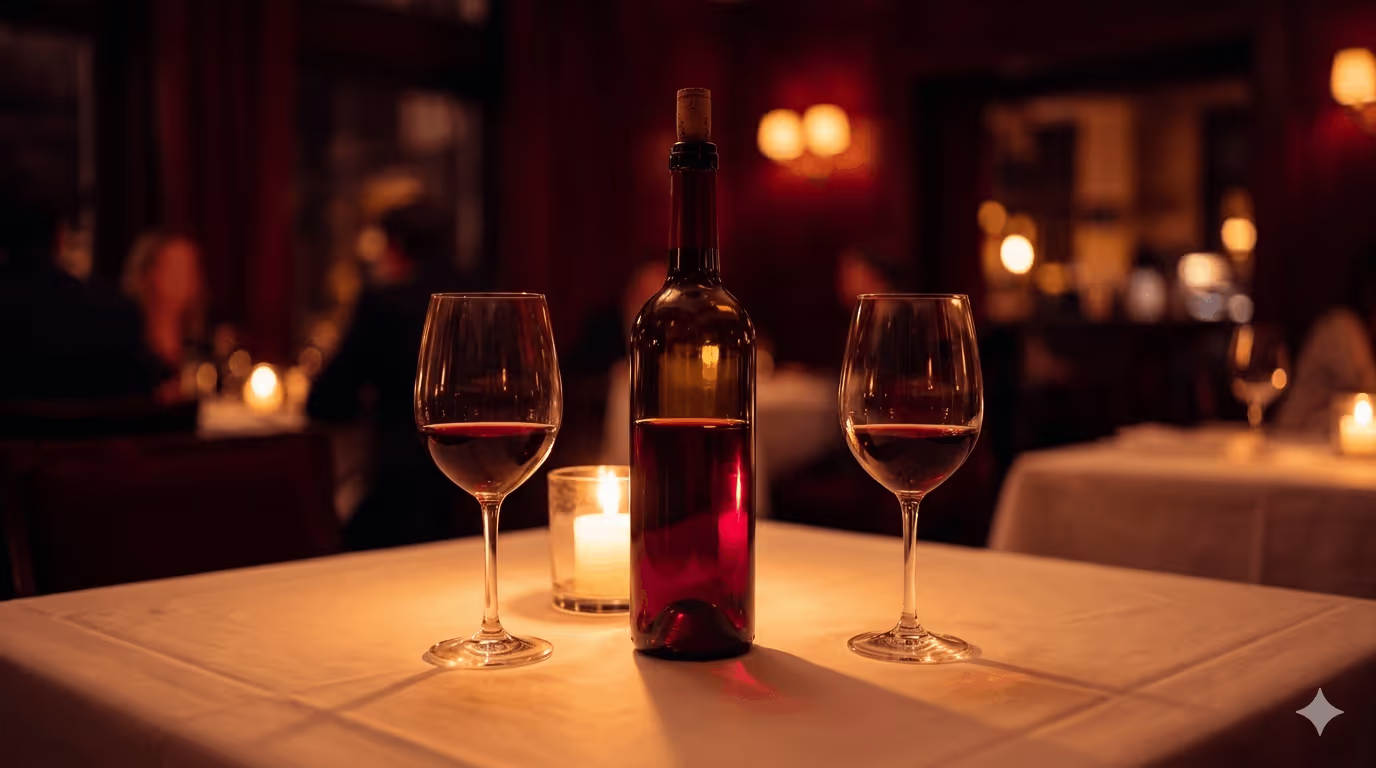

You sit down, open the wine list, and your heart sinks. Pages of names you do not know, regions you have never heard of, and prices that jump all over the place.
If that sounds familiar, you are not alone. Many casual wine drinkers feel nervous the moment a server asks, “Can I get you started with something to drink?”
This is where an ai wine assistant can quietly save the night. With a quick photo of the list and a few simple questions, your phone can turn that wall of text into a short, friendly shortlist that fits your taste, food, and budget.
Why Restaurant Wine Lists Feel So Overwhelming
A big wine list looks impressive, but it can feel like a test you never studied for. There are a few common reasons.
- Too many choices: Dozens or even hundreds of bottles, all in small print.
- Strange names: Grapes, regions, and producers that do not ring a bell.
- Fear of looking silly: You do not want to mispronounce a wine or pick something that clashes with your food.
- Price pressure: You want good value, not the cheapest thing or the priciest show-off bottle.
An ai wine assistant acts like a calm friend at the table. It does the sorting and comparing for you, so you only see a few options that make sense.
What An AI Wine Assistant Actually Does
In simple terms, an ai wine assistant is a smart chat tool on your phone that helps you pick wine. It uses pattern matching and a big library of wine data, not magic.
Most work like this:
- You scan or type in the wines on the list.
- You tell it what you are eating, plus a few hints about your taste.
- It filters the list, then returns a few wines that match.
Some, like Sommy, also learn your preferences over time. If you keep choosing dry, medium‑bodied reds, it remembers. Next time, it will lean toward similar styles, even on a new restaurant list.
The key point is simple. You do not need to know wine jargon. You can talk to it the same way you talk to a friend: “I want something light and not too oaky.”
From Panic To Order: How It Works At The Table

Photo by Andrea Piacquadio
Picture this. You are at a bistro with a long wine list, your date is deciding on pasta, and the server is on the way.
Here is how an ai wine assistant fits into that moment without turning it into a tech demo.
- You quietly open the app on your phone.
- You snap a photo of the wine list page or upload a PDF.
- The app reads the names, regions, and prices.
- It asks a few short questions, like “What are you eating?” and “Do you prefer red, white, or sparkling?”
In less than a minute, you have 3 to 5 suggestions, each with a short, clear description. Something like “fruity, medium‑bodied red, great with tomato‑based pasta, good value.”
You can then ask follow‑up questions. For example, “Is any of these like the Malbec I enjoyed last week?” or “Which is lightest in alcohol?”
From the outside, it just looks like you are checking your messages. Inside, you are getting tailored advice that matches your table, not some random list on a blog.
A Real Conversation With An AI Wine Assistant
Here is what a real exchange might look like in practice.
You: I am at a restaurant with this wine list. We are having mushroom risotto and roasted chicken. Budget about 60 dollars for a bottle.
AI wine assistant: Got it. Do you prefer red, white, or are you open to either?
You: Either, but nothing too heavy. I do not like sweet wines.
AI wine assistant: Thanks. I see these on your list that fit:
- 2020 Chianti Classico, medium‑bodied Italian red, bright cherry, good with both dishes
- 2019 White Burgundy, dry, creamy, great with chicken and mushrooms
The Chianti is better value and slightly lighter. The Burgundy is richer and more elegant.
You: Which one is safer if my friend usually drinks Pinot Noir?
AI wine assistant: The Chianti is closest in style to most Pinot Noir. I suggest that bottle.
You then look at the list, find the Chianti, and say to your server, “We would like the 2020 Chianti Classico, please.”
No guessing, no stress, and no long speech. The assistant did the heavy lifting, and you get to sound calm and sure.
If you want more traditional pointers to back you up, you can also read this Guide to reading a wine list and pairing so the next list feels less like a puzzle.
Balancing Budget, Taste, And Food Pairing
A good ai wine assistant keeps three things in balance.
1. Your budget
You can say “Show me reds under 15 dollars by the glass,” or “Find the best value bottle under 80.”
The app compares prices to quality clues, like region and producer. It flags bottles that give you more joy per dollar and warns you when a wine seems overpriced for what it is.
2. Your taste
You do not need to know grape names. You can say things like:
- “I like dry, crisp whites.”
- “I want a bold red but not too oaky.”
- “Nothing sweet, please.”
The assistant translates those plain words into wine styles, then matches them to the list in front of you.
3. Your food
Food pairing is where many people freeze up. Instead of memorizing rules, you can just describe your meal:
- “Spicy Thai curry.”
- “Fatty steak with fries.”
- “Oysters and fries to share.”
The ai wine assistant looks for wines on that list that will not clash. For example, it might steer you away from thick, tannic reds with spicy curry and point you to an off‑dry Riesling or a fruity sparkling wine.
When To Use The AI Versus The Human Sommelier
An app is great, but it does not replace a warm, skilled sommelier. Think of them as teammates, not rivals.
Lean on the ai wine assistant when:
- You feel shy about asking questions.
- The restaurant is busy and staff do not have time to talk much.
- You want a second opinion on value or style.
- You are with friends and want to explore options privately first.
Ask the sommelier or server when:
- The list is very small or very local, with many bottles not in any database.
- You want stories behind the wine or producer.
- You have complex needs, like allergies or strict dietary rules.
A nice middle ground is to use the AI to pick two or three options, then say to the sommelier, “We are choosing between these; what do you think?” That shows interest and gives them a clear starting point.
Simple Privacy Tips When Using Wine Apps At Restaurants
AI tools need some data to work, but you still control what you share.
Practical tips:
- Do not share sensitive personal details; the app only needs your wine and food info.
- Check if you can use the app without creating a full account right away.
- If you make a profile, use a strong password and avoid re‑using one from other accounts.
- Look for a simple privacy summary that explains what happens to your tasting notes and photos.
In most cases, the app cares a lot about your wine habits, not your private life.
Getting Started With AI Wine Assistants Without Feeling Awkward
If you worry it will look rude to pull out your phone, remember most people are already doing that for menus and payment. You can keep it polite.
- Wait until your guests look at the menu, then quietly check the app.
- Keep your phone flat on the table, not up in front of your face.
- Once you choose, put the phone away and enjoy the company.
After a few dinners, you will build a mini history of bottles you liked. That makes future choices even faster, both at restaurants and in shops.
Final Sip: Confidence Every Time You Open The List
The next time a thick wine list lands in your hands, you do not have to panic or fake it. With an ai wine assistant in your pocket, you can turn that long list into a short set of smart options that fit your taste, your food, and your budget.
Use the AI for quick, clear guidance, then lean on the sommelier when you want human stories and local insight. Over time, you will start to recognize styles you enjoy and feel less pressure when you order.
Wine should feel fun, not like homework. With a bit of tech and a curious attitude, every restaurant list can become an invitation instead of a stress test.

Outdoorsy voice of reason. Keeps Sommy running smoothly. Splits time between conquering ski slopes, outscoring Curt on the golf course, and selecting the perfect après-wine. Brings taste, balance, and instincts to every decision.