
At Home
Cellar
Your collection, understood
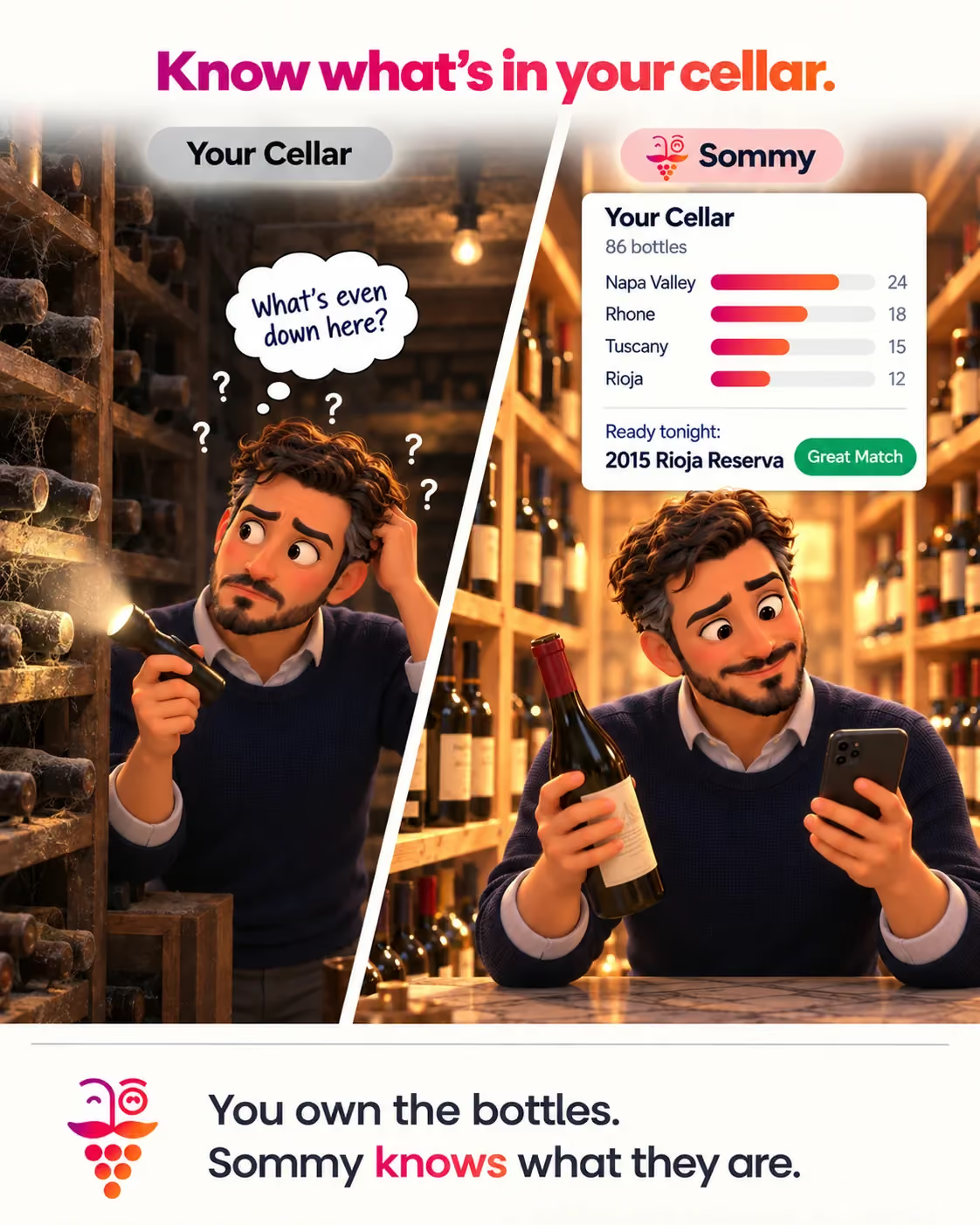
Most people who own more than a case of wine have the same two problems. They don't really know what's down there, and when it's time to open something they reach for whatever is at the front.
Your Cellar in Sommy is the answer to both. It's the record of what you actually own, and because Sommy also knows your taste, it can tell you things a spreadsheet never could.
Getting bottles in
Scan them. Point the camera at a bottle, or at a whole rack, and the wines go in without typing. Label Scan handles one at a time and Vision reads a shelf full at once, which is how you get a real cellar into an app without losing an evening.
Occasionally a bottle won't match anything Sommy knows, usually something small or local. Those get flagged rather than silently dropped, so you can resolve them and keep the record honest.
What your cellar is actually made of
This is the part that surprises people. Sommy breaks your collection down by grape, by region, and by price band, as percentages rather than a list you have to read.
Most collections turn out to be far less varied than their owner assumed. Sixty percent one grape. Almost everything from two regions. A price band you apparently always buy in and never noticed. Seeing it laid out is usually the moment you decide what to buy next.
It's honest about its own limits too. The percentages tell you how many bottles they're based on, so a partially resolved cellar doesn't quietly present itself as the whole picture.
How it lines up with your taste
Sommy compares what you own against your taste profile, which is a different question from what you've bought. People buy for occasions, for gifts, and out of habit, and collections drift away from what their owner actually enjoys drinking.
It also points out the gaps: the styles you reliably like that you have nothing of. That's a more useful shopping list than any bestseller chart, because it's derived from your own ratings.
What having a cellar unlocks
Once Sommy knows what you own, the recommendations change shape. Pairing can answer the question you actually have, which is not what would go perfectly with this dinner but what should I open from what's in the house.
When you do open something, Active Pour logs it as you drink it, so the bottle leaves your cellar and enters your history without any admin.
When it helps, and when it doesn't
The bigger and more varied your collection, the more it does for you. Past twenty or thirty bottles, remembering what you own stops being realistic and the breakdown starts earning its keep.
If you buy a bottle on the way home and drink it that night, you don't need a cellar. Scan and drink.
Do I have to enter every bottle by hand?
No. Scanning is the intended route, and a shelf scan takes in several bottles at once. Hand entry is there for the awkward ones.
Does it handle multiples and verticals?
Yes. Several bottles of the same wine, or a run of vintages, are tracked as what they are rather than collapsed into one line.
What happens when I drink something?
Log it with Active Pour and it moves out of the cellar and into your tasting history, where it carries on informing what Sommy recommends.